Keep your lesson notes next to your practice
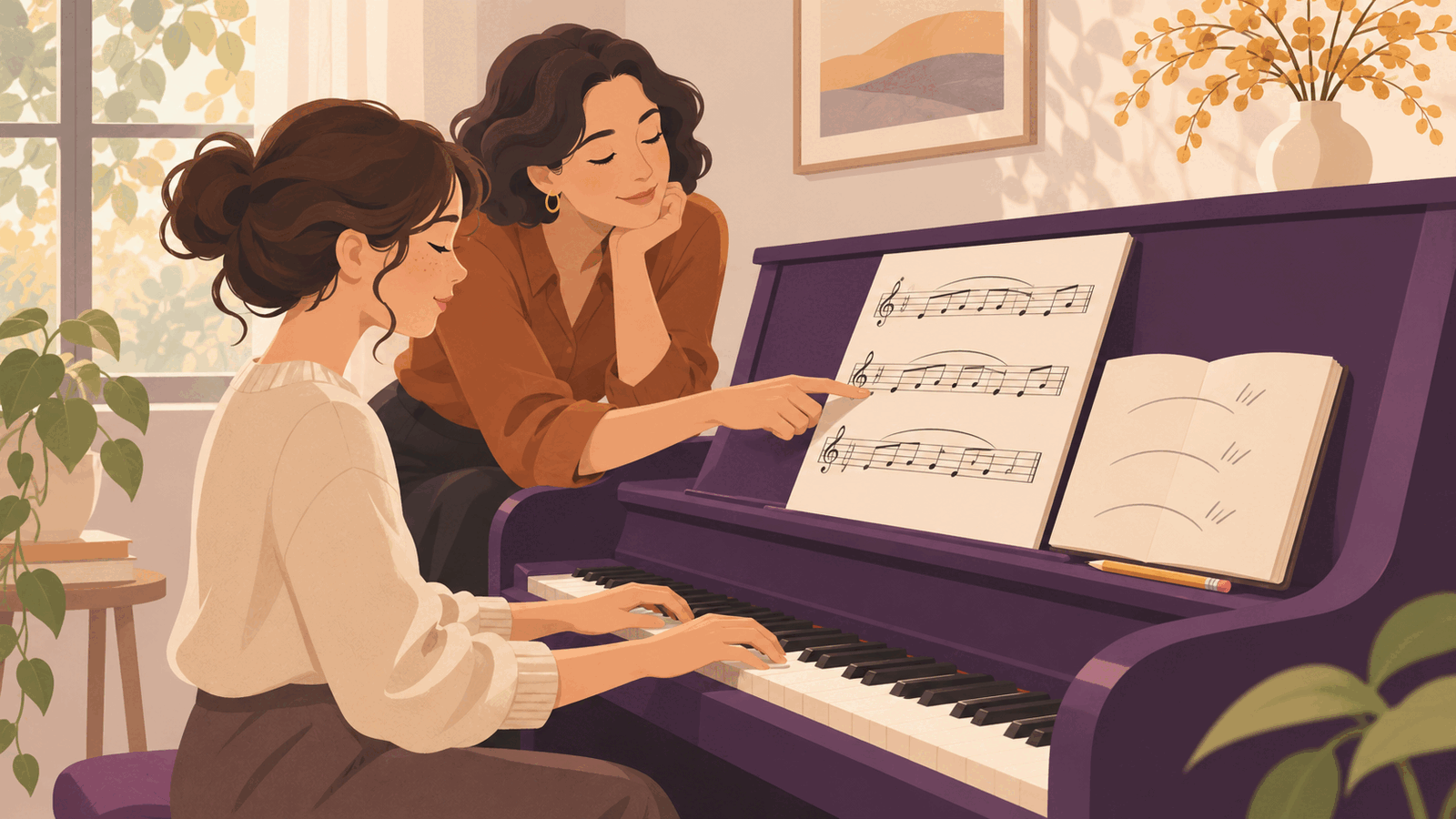
A lesson is full of useful advice: "slow the left hand down", "breathe before the phrase", "try the fingering in bar 12 again". By Thursday, half of it is gone. Now you can write it down in Rightkey, next to the pieces you practise.
Record a Lesson
Open Lessons from the menu and record what happened: the date, how long it took, a summary in your own words, and the pieces you worked on. Each piece can have its own note, such as "bars 9–16 at 60 bpm".
Lessons are a record, not practice time. They never count towards your practice statistics, so your numbers keep showing the work you did on your own.
Your teachers, your notes
Add your teachers once and pick one on each Lesson. If you have more than one teacher, you can filter your Lessons by teacher. A teacher is just a name and some private notes that you keep. Nobody else can see your teachers or your Lessons.
See the advice where you practise
Open a piece and you'll find Your Lessons for that piece: every Lesson that worked on it, with its date, teacher and note. Before you start a session, read last week's advice once.
Lessons work on the web and in the Android and iOS apps. If you use the Rightkey connector for Claude, Claude can now list and read your Lessons too. With write permission, it can record a Lesson for you after you get home. Start a new conversation to pick up the new tools.
After your next lesson, take two minutes to write it down. Then check that piece before your next session.